 CCSD21
Jun 5, 2026



Topic: Updates
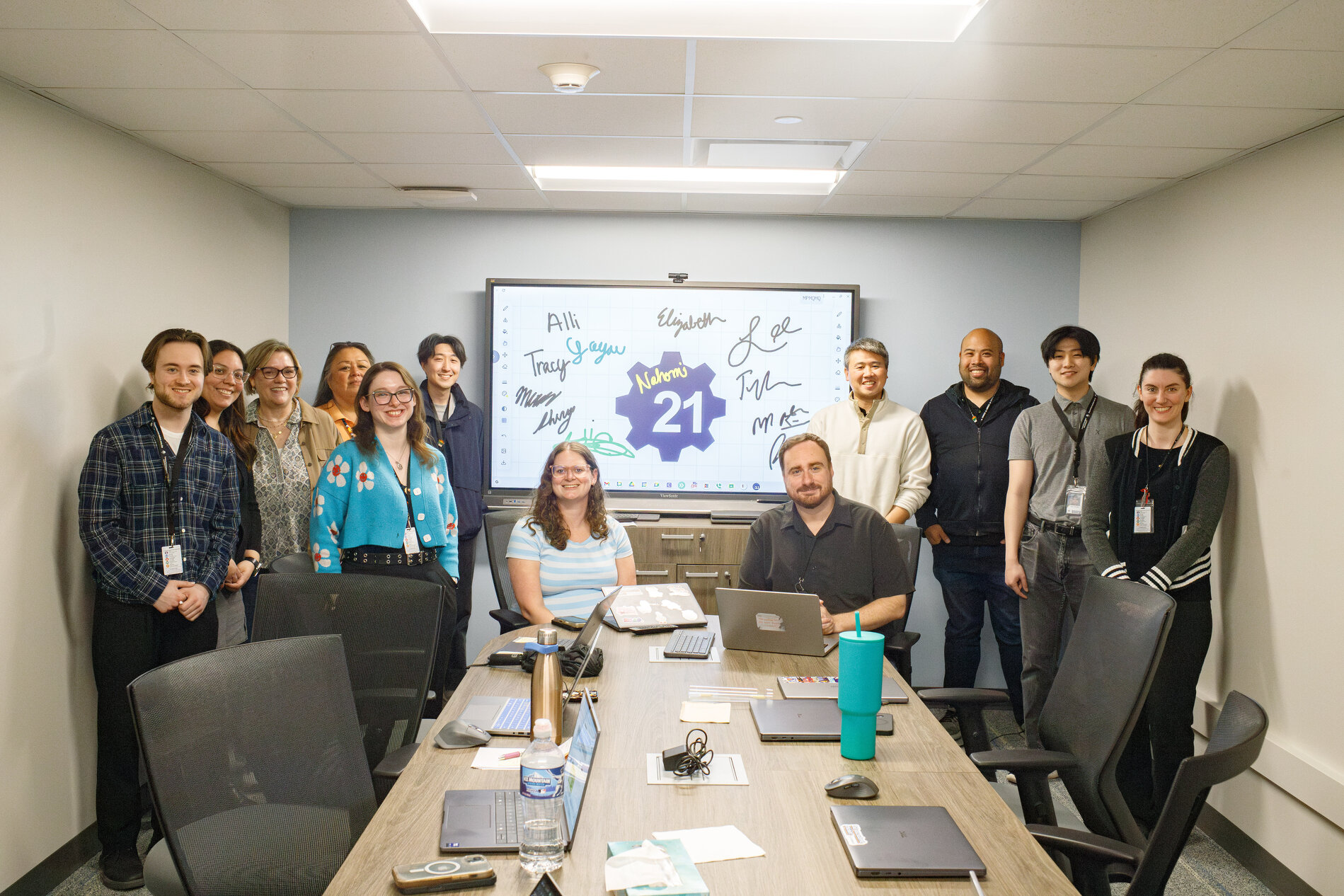
Members of the district’s Technology Services department, who developed and launched three custom-built classroom applications designed to simplify instructional tools and respond directly to staff needs.
A small team within Community Consolidated School District 21’s Technology Services department has developed and launched three custom-built classroom applications designed to simplify instructional tools and respond directly to staff needs.
The new tools include 21Sketch, a digital whiteboard; 21Timer, a classroom countdown timer; and 21DocCam, a document camera application. A fourth tool, a Chromebook diagnostics app, was also created for internal use by the technology team to support device troubleshooting.
Tyler Loch, director of technology services, said the goal was to reduce complexity in classroom tools while building solutions that better reflect how teachers actually use technology daily.
“We thought this would be a good opportunity to make something really tailored to our district’s culture and needs,” Loch said, noting that the work was driven by common classroom pain points, particularly around interactive displays and instructional devices such as Chromeboxes and smartboards.
“We found that some of the smarts on the smartboards are things we could do better ourselves,” he added.
21Sketch is a browser-based digital whiteboard designed for direct instruction, modeling and student interaction. Unlike many third-party tools, it uses a simplified focused design that keeps drawing and annotation tools consistently accessible on both sides of the screen. It also stores content locally rather than relying on external services, a choice Loch said was made for both security and simplicity.
21Timer is a minimalist classroom countdown tool built to support transitions, timed activities and student pacing during instruction. The most recent release, 21DocCam, was developed after teachers reported challenges with existing document camera tools on Chromebox and smartboard systems. Loch said the idea emerged through informal collaboration and quick iteration among staff.
“It was cool to have this coding jam after lunch to build something that can hopefully get a lot of use,” he said.
Elizabeth Lynch, technology integration manager, said one of the biggest advantages of building tools internally is the ability to respond quickly to feedback without relying on external vendors or formal support processes.
“Trying to make something that’s not only more reliable, but something we can quickly adapt to their feedback — something we can add in a matter of seconds,” Lynch said. “It eliminates the process of putting in a support ticket for a third-party tool when we are the support. It’s quicker to troubleshoot.”
The district’s approach is intentionally experimental, with early versions released to staff to gather feedback and guide ongoing improvements. Additional internal tools are also in development, including additional classroom applications and workflow automation systems aimed at reducing time spent on repetitive administrative tasks, and the team plans to continue expanding and refining its suite of classroom applications based on real-world use.
Early feedback from staff has been positive, including mentions in recent surveys and informal comments from teachers.
The applications were developed using iterative, artificial intelligence-assisted coding, allowing the team to prototype and refine features more quickly than traditional development methods. Loch said the process significantly reduced development time.
“To have a conversation with AI makes it easier — night and day — to provide something,” he said. “Never thought I’d have the time or wherewithal to build something like this a year ago.”

 Maximize the achievement and honor the uniqueness of every student, every day.
Hawthorne Early Childhood School
200 Glendale Street - Wheeling, Illinois 60090
P: 847-465-7290 F: 847-465-7296